Setting up Unity with Vim on Linux ('26 Update)
I’ve been developing things with Unity on Linux for quite a while now,
using vim as my editor for code.
It’s been somewhat annoying – Unity doesn’t exactly treat Linux as a top priority, and I’ve found a lot of the tooling around Unity development on Linux quite fragile.
Yet I persist, since I cannot stand the thought of having to use tools I don’t like (such as normal text editors, or, god forbid, Windows…). To that end, this document is supposed to be some “living” (i.e. I update it when something breaks and I fix it) documentation on how I’ve set everything up!
The following has been tested on Arch, although it should work for any distro – just change package names accordingly.
Mono and .NET
On Arch, install mono and dotnet-sdk via pacman.
You might also want to install mono-msbuild and
mono-msbuild-sdkresolver.
Ubuntu: Install Mono as described here.
I’m pretty sure msbuild is shipped along with the above download.
Install the .NET SDK via snap:
sudo snap install --classic dotnet-sdk
sudo snap alias dotnet-sdk.dotnet dotnet
Unity
From the Unity Editor, in Edit -> Preferences -> External Tools
select VSCode (likely /usr/bin/code). Tick all of the boxes below
and hit Regenerate Project Files.
If the External Tools option is not available, you may have to install the Code Editor Package for Visual Studio through Unity’s package manager (in Window -> Package Management -> Package Manager).
Vim
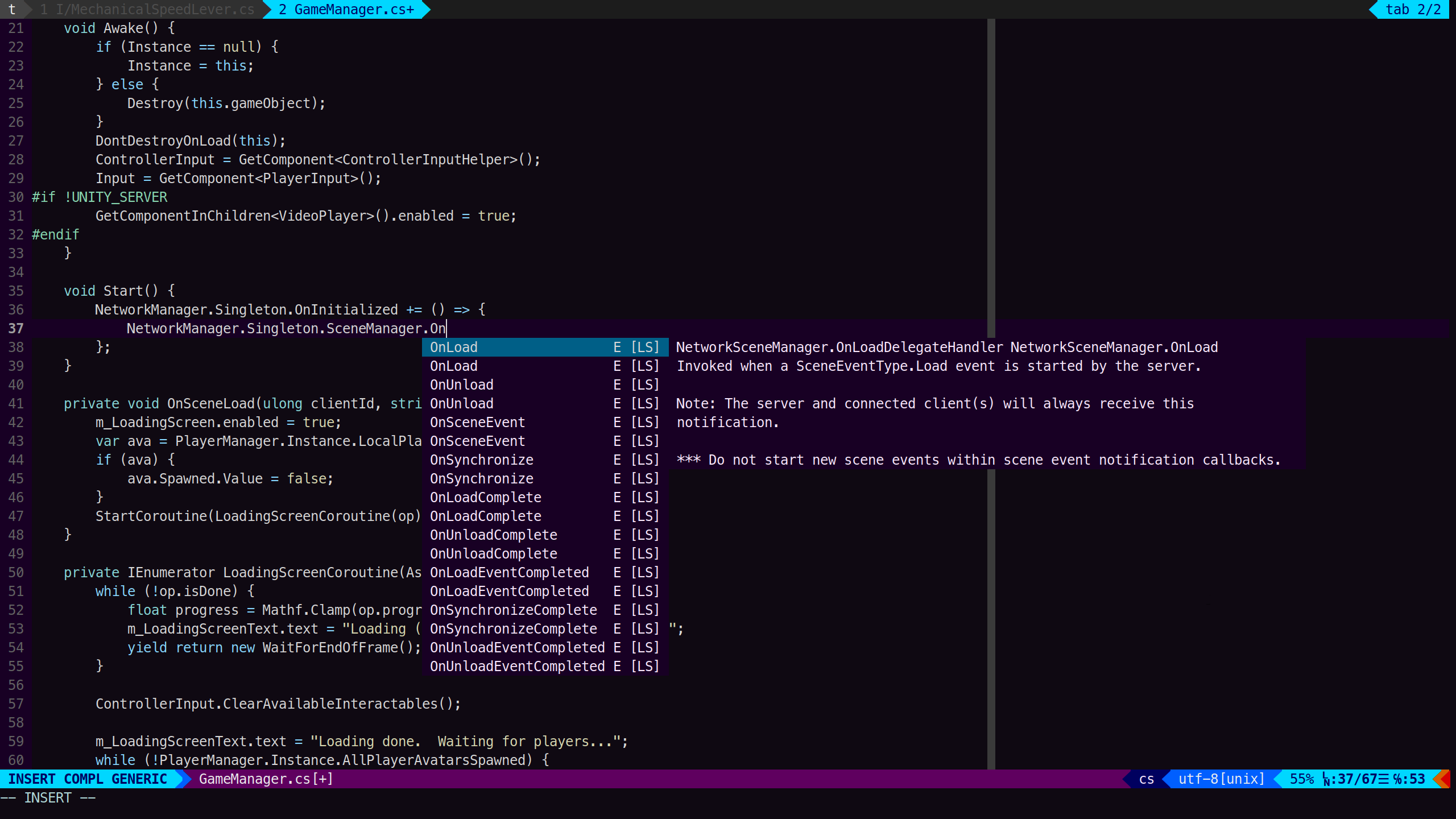
I use neovim with CoC.
I used to use omnisharp as the language server, then chsarp-ls –
but both of these broke for me eventually.
Now, I use roslyn. On Arch, install roslyn-ls
from AUR.
After installing, adapt the languageserver section of your
coc-settings.json
as follows:
  "languageserver": {
    "roslyn": {
      "command": "Microsoft.CodeAnalysis.LanguageServer",
      "args": ["--stdio", "--autoLoadProjects"],
      "filetypes": ["cs"],
      "rootPatterns": ["*.slnx", "*.sln", "*.csproj", ".git"],
      "trace.server": "verbose"
    }
  }
On startup of neovim, the language server will look for the .sln or
.slnx file.
You may have to start neovim from the Unity project’s root directory.
If it doesn’t work, remember to generate the project files in Unity!
Unity Auto-Reloading Bug Workaround
Sometime in 2025, a bug started appearing where Unity would not auto-reload after scripts or assets had been changed.
The workaround, as described in this forum post, is to, I kid you not, wiggle your mouse cursor in and out of the Unity editor window until the reload is triggered.
On Ubuntu, it seems the issue has been fixed, but not for me on Arch.
So this is what I do all day long:
The state of Unity development on Linux in 2025.
Comments
This post evolved from a GitHub Gist. Feel free to post any comments or additions there. Also, thanks to @jreeee for the Snap Alias tip :)